Payoneer Bank Linking: IBAN, Not Account Number (2026)
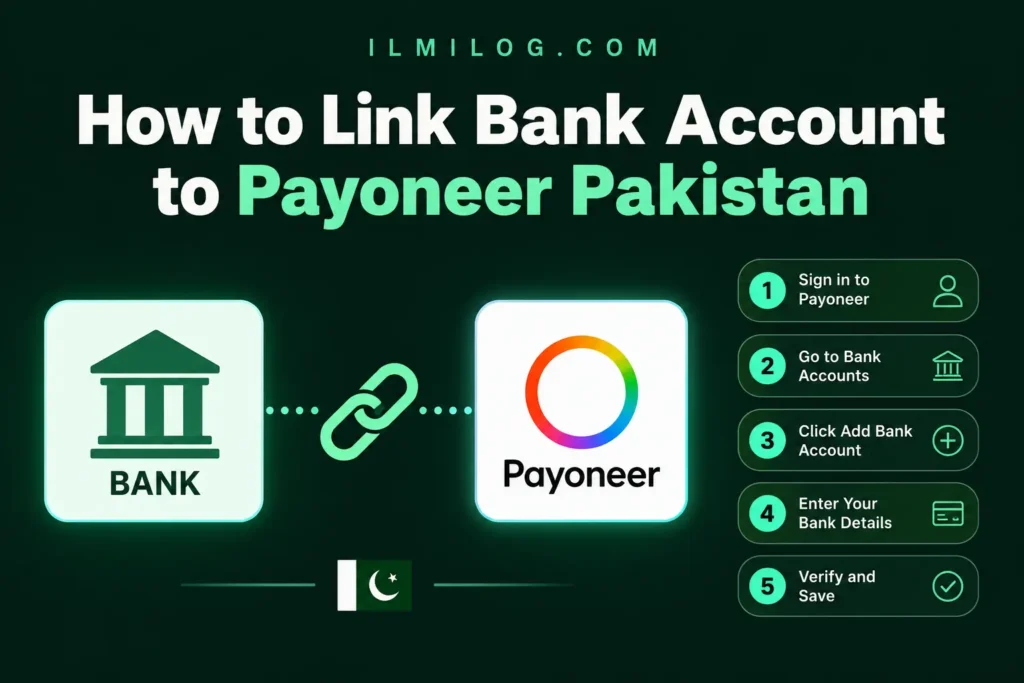
Quick Answer: Linking a Pakistani bank account to Payoneer works with all the major banks — HBL, UBL, MCB, Meezan, Bank Alfalah, Faysal, and Standard Chartered all accept incoming transfers this way. The step that trips people up isn’t the bank itself. It’s entering your IBAN instead of your regular account number, and making sure the account holder’s name matches your Payoneer registration exactly. Get those two details right and the process usually moves through without any friction at all.
What you’ll learn: → The difference between linking a bank during signup and adding or changing one later, since they’re handled differently → Exactly what Payoneer needs from your IBAN, and where to find it if you only know your account number → How Payoneer actually verifies a bank account once it’s linked → A real alternative for people without a traditional bank account at all → The specific mismatch that causes most linking problems, and how to avoid it before you submit anything
Two Different Situations: Linking at Signup vs. Adding a Bank Later
Most guides treat this as one single process, but it’s really two different flows depending on where you are. If you haven’t created a Payoneer account yet, bank linking happens as one step inside registration itself — our guide to setting up a Payoneer account in Pakistan covers everything that comes before this step if you’re starting from zero.
If you already have a verified Payoneer account and just want to add a new bank account or switch the one you’re currently using, that’s a separate process handled from inside your account settings, not the registration form. The requirements are the same either way, but the screens you’ll see are different, which is worth knowing before you go looking for a “link bank account” button that only shows up in one of the two situations.
What You Actually Need
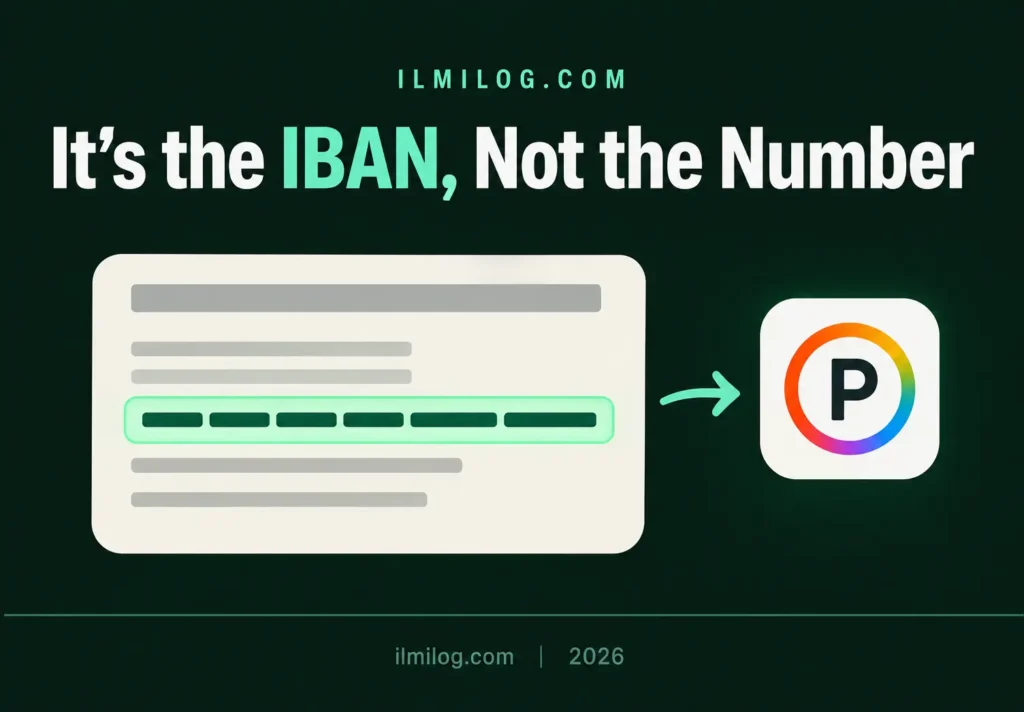
The single most common point of confusion is the difference between your account number and your IBAN. Payoneer specifically asks for the IBAN, which is a longer code, not the shorter account number your bank might text you after a transaction. A Pakistani IBAN starts with PK, followed by two check digits, a four-letter bank code, and the rest of your account details, typically adding up to 24 characters in total. If you only know your account number, your bank’s mobile app, a recent account statement, or a quick call to your bank’s helpline will get you the IBAN in a couple of minutes.
If you’re reading this before you’ve actually landed any international client work, this step is getting ahead of things a little — our guide to freelance skills worth starting with covers that earlier stage, and bank linking becomes relevant once there’s real income on the way.
The second requirement, and the one that causes more rejected or delayed links than anything else, is that the bank account holder’s name has to match your Payoneer registration name exactly. A joint account, an account under a slightly different name spelling, or a family member’s account will all trigger a mismatch, even if you have full access to that account in practice.
Linking Your Bank During Signup
During registration, after you’ve entered your personal details and ID number, Payoneer asks you to select your bank from a dropdown list of supported Pakistani banks. Once selected, enter your 24-character IBAN carefully — a single mistyped digit is enough to cause a failed link — agree to the pricing and terms shown on screen, and submit. Payoneer’s own Pakistan country guide walks through this exact screen as part of the broader signup flow if you want to see it in the context of the full registration process.
This step happens before your identity verification, not after, so submitting your bank details doesn’t mean your account is active yet; you still need to complete the ID and selfie verification steps to move out of pending status.
Adding or Changing a Bank Account After You’re Already Verified
Once your account is active, adding a new bank account or changing your existing one is handled from your account settings rather than a registration form. From the main menu, select Manage, then Your Bank Accounts, and choose Add Bank Account, then follow the on-screen fields the same way you would during signup — bank name, IBAN, and account holder details.
One detail Payoneer’s own bank accounts documentation flags that catches people off guard: if you originally signed up through an integrated partner platform — meaning you registered through a marketplace like Fiverr or Upwork rather than directly through Payoneer, and you’re receiving payments straight to the bank account you signed up with — you may not be able to simply add a new withdrawal account the normal way. Changing your payout destination in that specific situation goes through a different process tied to the partner platform, not the standard Manage screen.
No Traditional Bank Account? The JazzCash Option
If you don’t have a conventional bank account, or you’d rather avoid the bank-linking step entirely, JazzCash offers a specific arrangement with Payoneer worth knowing about. JazzCash’s own freelance payments page describes a mutually agreed IBAN between the two companies that links your JazzCash mobile account directly to a new Payoneer account, functioning as your withdrawal destination instead of a traditional bank.
This comes with its own specific terms: two free cash withdrawals per month through JazzCash’s ATM network, a standard Payoneer withdrawal fee of 3% plus $1 per transaction beyond that, and occasional holds where a transaction gets flagged for anti-money-laundering screening, which JazzCash states typically clears within two days. It’s a genuinely useful option if opening or maintaining a separate bank account isn’t practical for you, though the fee structure is worth comparing against a standard bank withdrawal before deciding which fits your situation better.
How Payoneer Verifies the Bank Account You Add
Once a bank account is linked, Payoneer runs a verification check before payouts actually go through — this exists specifically to confirm you have real control over the account and to reduce fraud risk across their whole payment network. Depending on your situation, that verification might involve submitting a bank statement or another document showing your account details clearly, or it might happen through small micro-deposits sent to your account that you then confirm inside your Payoneer dashboard.
If your bank account holder’s name doesn’t exactly match your Payoneer account name, this is the stage where that mismatch surfaces — Payoneer will typically request additional information to explain the discrepancy rather than approving it automatically, which is why getting the name right at the linking stage saves a genuinely avoidable extra step.
Common Mistakes That Cause Delays
Entering the account number instead of the IBAN. This is the single most frequent linking error, and it’s an easy one to make since your bank typically shows you the account number far more often than the IBAN.
A name mismatch between the bank account and Payoneer registration. Covered above, but worth repeating: even a small formatting difference between the two names is treated as a mismatch, not a rounding error.
Trying to add a new withdrawal bank after signing up through a partner platform. As covered above, this specific situation has its own process rather than the standard Manage screen, and trying the normal route first just wastes time.
Mistyping a digit in a 24-character IBAN. It happens more often than people expect with a code that long — double-checking it against your bank statement before submitting catches this before it becomes a delay.
Problem Diagnosis: Linking Stuck or Rejected?
If your bank link isn’t going through, work through these in order: first, confirm you entered the IBAN and not just the account number — this alone resolves a large share of failed attempts. Second, check that the account holder’s name matches your Payoneer registration exactly, including middle names or initials. Third, if you’re specifically trying to change your payout bank after signing up through a partner platform, that requires a different process than the standard Manage screen, which is a common source of confusion rather than an actual rejection.
When This Isn’t Something to Worry About Yet
Skip this step for now if: you haven’t created and verified a Payoneer account yet — bank linking during signup happens as part of that broader process, not as something to figure out in isolation beforehand. Skip worrying about the JazzCash alternative specifically if you already have a bank account in your own name; it’s a genuinely useful option, but it’s not a necessary one if the standard bank-linking path already works for you.
This is worth doing now if: you have a verified Payoneer account and either haven’t linked a withdrawal bank yet, or need to change the one you’re currently using because of a closed account, a bank switch, or an error in how it was originally entered.
Decision Checklist
- I have my IBAN, not just my account number, ready before I start → prevents the most common linking error
- My bank account is in my own name, matching my Payoneer registration exactly → prevents the most common verification delay
- I know whether I’m linking during signup or adding a bank to an already-verified account → these are different flows with different steps
- If I signed up through a partner platform, I’ve checked whether changing my payout bank needs their process instead → avoids wasted time on the standard Manage screen
- I’ve double-checked my IBAN digit by digit against a real bank statement → catches typos before they cause a failed link
Honest Verdict
| What Works | What Doesn’t |
| Entering the full IBAN, double-checked against a bank statement | Entering the shorter account number by mistake |
| A bank account in your own name, matching your registration exactly | A joint account or a family member’s account |
| Using the Manage screen to add or change a bank on an existing account | Expecting the registration-style flow to reappear after you’re verified |
| The JazzCash option if you don’t have a traditional bank account | Assuming JazzCash and a bank withdrawal have identical fees |
Best for: anyone with a Payoneer account, or in the process of creating one, who has a Pakistani bank account or JazzCash mobile account in their own name.
Skip overthinking it if: you have your IBAN and matching name ready — for most major Pakistani banks, this step goes through without complication once those two details are correct.
FAQ
Q: What’s the difference between my account number and my IBAN?
Your account number is the shorter number your bank typically shows you day to day. The IBAN is a longer code, usually 24 characters for a Pakistani bank, starting with PK, and it’s specifically what Payoneer requires for linking, not the shorter number.
Q: Can I link more than one bank account to Payoneer?
Yes, you can add multiple bank accounts through the Manage screen once your Payoneer account is verified, and choose which one to use for a given withdrawal.
Q: What happens if my bank account name doesn’t match my Payoneer account?
Payoneer will typically ask for additional information to explain the mismatch rather than rejecting it outright, but this adds a delay that’s easy to avoid by making sure the names match from the start.
Q: Can I link JazzCash instead of a traditional bank account?
Yes, through a specific arrangement between JazzCash and Payoneer that uses a mutually agreed IBAN, functioning as your withdrawal destination in place of a conventional bank account.
Q: I signed up through Fiverr or Upwork — can I still change my payout bank normally?
Not always through the standard Manage screen. If you registered through an integrated partner platform and received payments directly to the account you signed up with, changing that destination may require going through the partner platform’s own process instead.
Final Recommendation
Have your IBAN in hand, not just your account number, and double-check that your bank account’s registered name matches your Payoneer account before you submit anything. If Payoneer ends up not being the right fit for your specific situation, our guide to getting paid without PayPal in Pakistan covers the wider payment landscape beyond this one option.
Researched and written by the ilmilog.com editorial team. Bank linking steps and verification details confirmed directly against Payoneer’s official documentation and JazzCash’s official freelance payments page as of July 2026. This article is general information, not financial advice, and bank-specific requirements can change — always confirm current details directly with Payoneer or your bank before submitting.