Sending Invoices as a Pakistani Freelancer (Fix This First)
Quick Answer: It depends entirely on how you’re getting the work. If a client found you through Upwork, Fiverr, or a similar platform, the platform generates the invoice for you automatically — you don’t need to create anything separate. If you’re working with a direct client outside a platform, you need a real invoice, and the part most templates miss for a Pakistan-based freelancer is the payment section: you can’t offer PayPal, so your invoice needs to point clearly to a Payoneer account or bank details instead, spelled out clearly enough that a client unfamiliar with either doesn’t get confused mid-payment.
If you don’t have a Payoneer account set up yet to put on that invoice, our Payoneer account guide covers registration from the start.
What you’ll learn: → When you need to create an invoice versus when a platform already handles it → The specific details every invoice needs, and the one Pakistani freelancers most often get wrong → How to word your payment section so an unfamiliar client doesn’t hesitate → Payment terms that work for freelance-sized amounts, not corporate ones → What to do when an invoice gets ignored instead of paid
Do You Even Need to Send One?
Platform work and direct client work are handled completely differently here, and mixing them up is where a lot of confusion starts. On Upwork, Fiverr, or similar platforms, the invoice already exists — the platform generates it based on the milestone or order you completed, and it’s available in your earnings history without you creating a thing.
Direct clients are different. If someone found you through a referral, LinkedIn, or your own outreach, there’s no platform tracking the transaction, which means you’re the one responsible for creating a document that clearly states what’s owed, for what, and how to pay it.
What a Real Invoice Actually Needs
A few things are universal regardless of who your client is or where they’re based. A unique invoice number — something like INV-2026-001 — makes both your own record-keeping and any later reference to a specific payment much easier. Both an invoice date and a due date, stated explicitly rather than just “Net 15,” since spelling out an actual calendar date removes any ambiguity about when payment is expected.
Line items matter more than people think. “Services rendered — $400” invites questions and slows down approval, especially at companies where someone in finance has to sign off on a bill they don’t fully understand. “Homepage redesign — 3 revisions, delivered March 3” tells the story on its own. Established invoicing guidance consistently points to this same pattern: specificity moves an invoice through approval faster than a vague total ever does. Your full name, your client’s name and any reference number they’ve given you (a purchase order number, if they use one, should be prominent — some finance departments won’t process a payment without it), and a clear total in the agreed currency round out the essentials.
The Section Most Templates Get Wrong for Pakistan
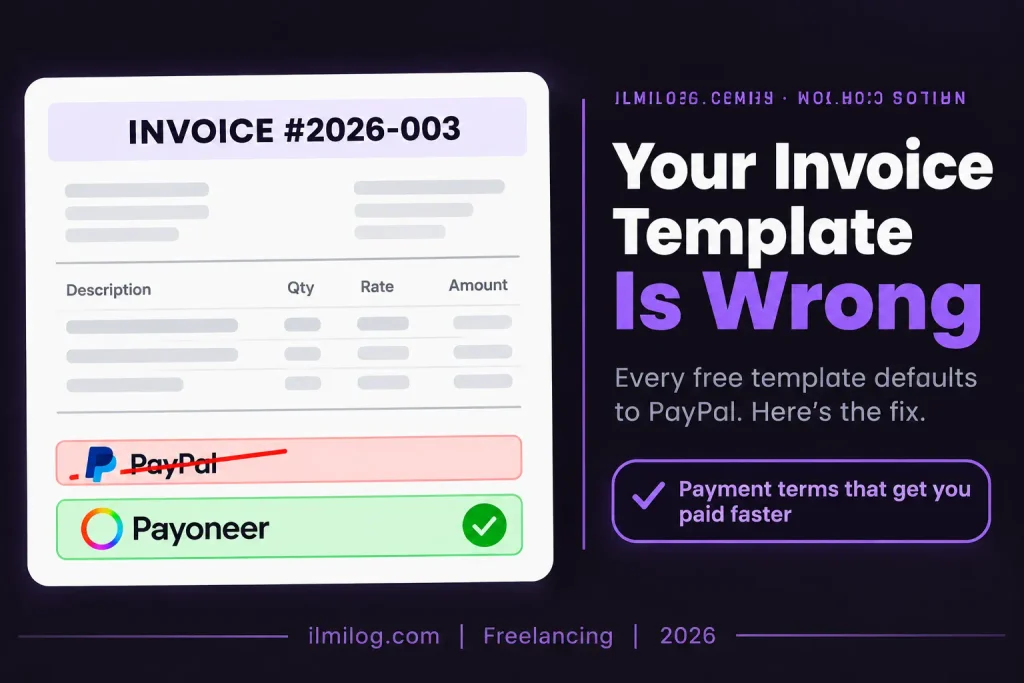
Almost every invoice template available online defaults to a payment section built around PayPal, Stripe, or a Western bank account — none of which work the same way for a Pakistan-based freelancer. Pakistani residents can’t receive payments through PayPal, so a template that assumes PayPal as the default option needs a full rewrite of that section, not just a swapped logo.
What belongs there instead is a Payoneer receiving account — the currency-specific details Payoneer gives you function like local bank details a client can pay into directly — or your Pakistani bank account details if you’re working with a client comfortable with an international wire. Spell out which one clearly, including the currency, since a client who’s never sent money to Pakistan before will hesitate at anything that looks unfamiliar or incomplete. If building a full invoice manually isn’t your speed, our guide to Payoneer’s payment request feature covers a tool that handles this section for you automatically and sends the client a payment link directly.
Payment Terms That Work for Freelance Amounts
Net 30 is the default a lot of templates suggest, because it’s standard in traditional B2B contracts. For freelance-sized amounts, it’s often worse than necessary. Net 7, or Due on Receipt for smaller amounts, keeps your cash flow tighter without being unusual or aggressive — most clients paying a few hundred dollars for a defined piece of work don’t need a month to process it the way a large corporate invoice might.
If you do use longer terms, state exactly what happens if payment is late. A simple line — a small percentage added per month overdue — signals that you run this like a real business without needing to sound confrontational about it.
Formatting and Actually Sending It
Save the finished invoice as a PDF with a clear file name, something like Invoice-2026-003-ClientName.pdf, so it’s easy for both of you to find later. Send it with a short, professional note rather than the file alone — a line or two confirming what the invoice covers and thanking the client for the work is enough. Sending it promptly after the work is delivered, while it’s still fresh in the client’s mind, genuinely does get paid faster than letting it sit for a week before you get around to it.
Keeping a simple running log of every invoice you send — even just a spreadsheet with the invoice number, client, amount, and date paid — pays off the first time a client disputes a payment or asks for a copy of something you sent months ago. It takes a minute to update after each invoice and saves considerably more time than reconstructing your history from old email threads later.
When a Formal Invoice Isn’t What You Need
For a first small project with a new direct client, a simpler payment request instead of a full formal invoice sometimes lands better — less intimidating, faster to put together, and appropriate for a one-off under a certain size. Payoneer’s own Request a Payment tool works well for exactly this situation, generating a payment link without you building a formatted document at all. Once a relationship becomes recurring, switching to consistent, numbered invoices is worth doing, since it builds a clean record for your own taxes and makes any future dispute easier to resolve with a paper trail behind it.
Common Mistakes That Delay Payment
Leaving a PayPal-based template’s payment section unchanged. This is the single most avoidable mistake, and it’s also the most common, since so many free templates default to it without any Pakistan-specific adjustment.
Vague line items. “Design work” invites a question before it invites a payment. Specific, dated deliverables move faster through a client’s approval process.
No due date, only vague terms. “Net 15” without a stated calendar date leaves room for genuine confusion about exactly when payment is expected.
Sending the invoice too long after the work is done. The longer the gap, the easier it is for a client’s attention, and their sense of urgency, to move elsewhere.
Problem Diagnosis: Invoice Sent, No Response?
If it’s been a few days with no acknowledgment, a short, polite follow-up confirming the invoice arrived is normal and expected — it doesn’t read as pushy if the tone stays professional. If a client questions a specific line item, that’s usually a sign the original description wasn’t specific enough, and revising future invoices to be more detailed prevents the same question from recurring. If a client seems confused specifically by the payment method section, that’s the moment to walk them through Payoneer or your bank details directly rather than assuming they’ll figure it out on their own — a client unfamiliar with either option is more likely to delay than to ask.
When Formal Invoicing Isn’t the Right Choice
Skip a full formal invoice if: the amount is small, the client is new, and a simpler payment request feels like a lower-friction first step — you can always formalize things once the relationship is established. Skip elaborate multi-page invoices in general; a clean, single-page document covers everything a freelance-sized payment needs.
This is worth setting up properly if: you’re working with the same client repeatedly, since consistent, numbered invoices build a documented income history that matters for tax records and for your own sense of running this as a real business rather than a series of one-off favors. If your freelance income is becoming regular enough that tax filing is on your mind, the Federal Board of Revenue’s official site is the place to start on that separate process.
Decision Checklist
- I know whether this client needs a formal invoice or if the platform already generates one → prevents unnecessary duplicate work
- My payment section clearly points to Payoneer or bank details, not PayPal → the single most common Pakistan-specific fix needed
- Every line item describes a specific, dated deliverable → speeds up approval on the client’s side
- I’ve stated an actual due date, not just a payment term → removes ambiguity
- I’m sending the invoice promptly after the work is delivered → keeps it fresh in the client’s mind
Honest Verdict
| What Works | What Doesn’t |
| Clear, specific line items tied to actual deliverables | Vague descriptions like “services rendered” |
| Payoneer or bank details clearly spelled out | A leftover PayPal-based payment section |
| Net 7 or Due on Receipt for freelance-sized amounts | Defaulting to Net 30 out of habit |
| Sending the invoice immediately after delivery | Letting it sit for a week before sending |
Best for: freelancers working directly with clients outside platforms like Upwork or Fiverr, where no invoice already exists automatically.
Skip overthinking it if: all your income currently comes through a platform — the invoice already exists in your earnings history, and building a separate one is unnecessary duplicate work.
FAQ
Q: Do I need to create an invoice for Upwork or Fiverr earnings?
No. Both platforms generate a record of the transaction automatically, available in your earnings or transaction history.
Q: Can I put PayPal on my invoice as a payment option?
No, since Pakistan-based freelancers can’t receive PayPal payments as residents. Payoneer details or bank account information need to replace that section entirely.
Q: What payment terms should I use for a small freelance project?
Net 7 or Due on Receipt generally works better than Net 30 for freelance-sized amounts, keeping your cash flow tighter without being unusual.
Q: Should I use a free invoice template or invoicing software?
A free template is fine for occasional invoices, as long as you rewrite the payment section for Pakistan. Dedicated software becomes worth it once you’re sending more than a couple of invoices a month.
Q: My client hasn’t paid — how long should I wait before following up?
A few days is reasonable before a short, polite follow-up. Waiting longer than that without any contact usually just delays things further.
Final Recommendation
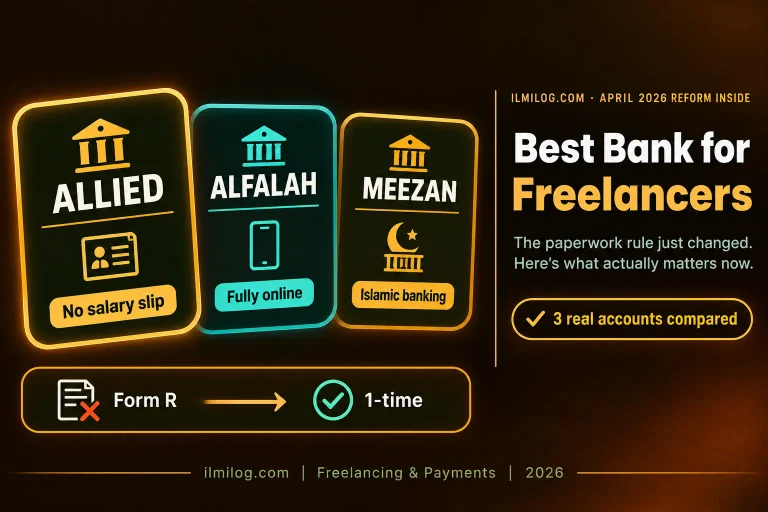
Rewrite the payment section of any template you use before sending your first invoice — that single fix solves the most common problem Pakistani freelancers run into with invoicing. If you’re deciding between Payoneer and a direct bank account for that payment section, our best bank guide covers how the two fit together rather than competing.
Researched and written by the ilmilog.com editorial team. Invoicing standards cross-referenced against established freelance invoicing practices and Payoneer’s own payment request documentation as of July 2026. This article is general information, not tax or legal advice — consult a qualified professional for guidance specific to your situation.