JazzCash to Payoneer: The Transfer That Doesn’t Exist
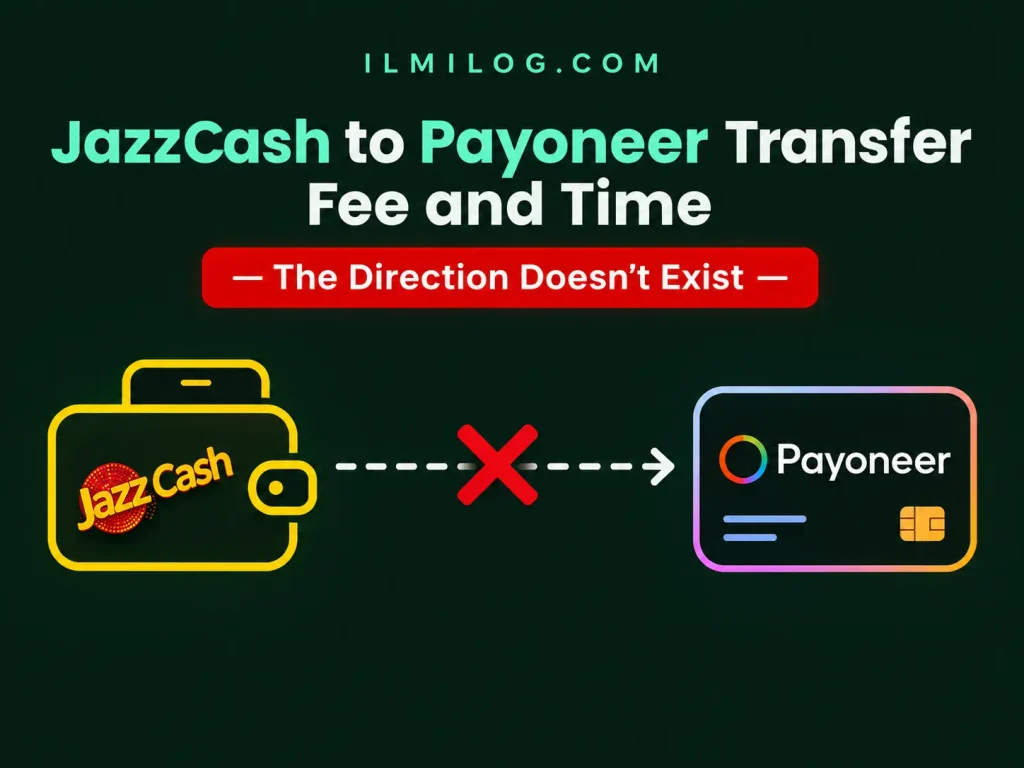
Quick Answer: There isn’t a feature that moves money directly from your JazzCash wallet into Payoneer — that specific direction doesn’t exist as a real, supported transfer. There are really two different things people usually mean here: Payoneer’s own “Request a Payment” tool, which has nothing to do with JazzCash specifically, or the reverse direction — withdrawing a Payoneer balance into JazzCash — which is a real, documented feature that just runs the opposite way from what most people expect.
If you need that reverse direction, our guide to receiving international payments through JazzCash covers the real Payoneer-to-JazzCash mechanics, fees, and timing in full.
What you’ll learn: → Why this exact search phrase leads to confusing or inaccurate results across the web → What Payoneer’s Request a Payment feature is, and why some guides wrongly attach JazzCash’s name to it → The real minimum amount and fee structure for requesting a payment this way → A restriction specific to Pakistan-registered accounts that’s worth knowing before you rely on this → Where to go if you meant the reverse direction instead
Why This Search Leads to Confusing Answers
A handful of guides on this topic describe steps like “open the JazzCash app, find Request a Payment, and transfer your funds to Payoneer.” That description isn’t accurate. Request a Payment is a tool inside your Payoneer account, not something built into the JazzCash app, and it doesn’t move JazzCash wallet balance anywhere — it’s a way to invoice a client and get paid directly into Payoneer in the first place.
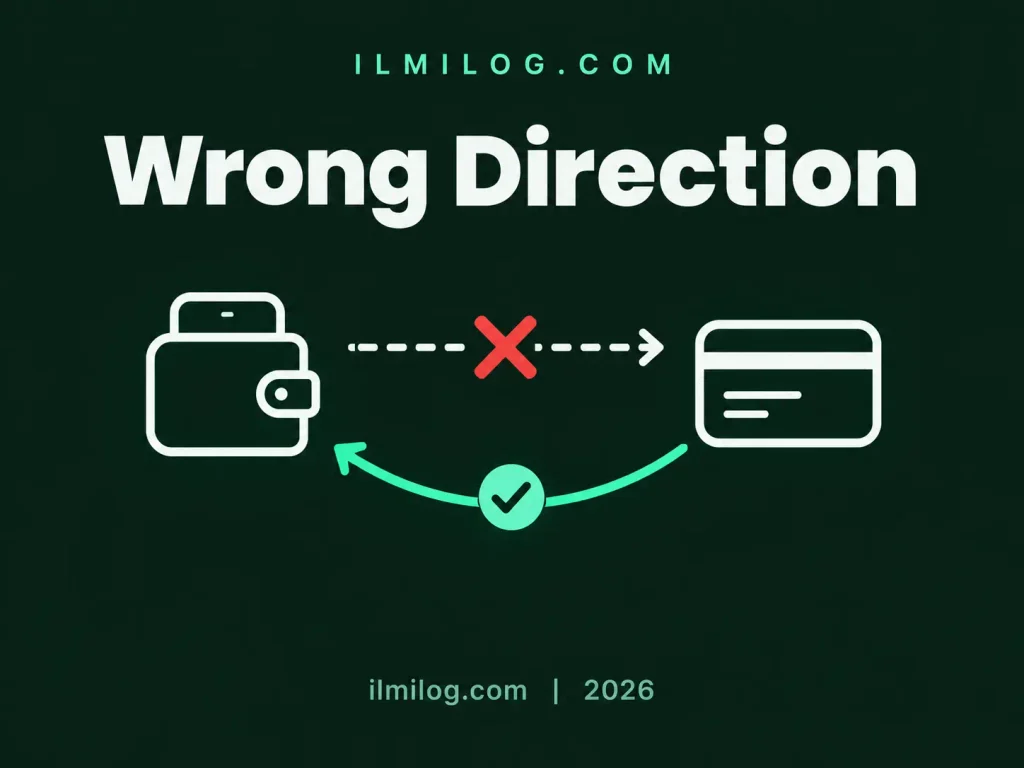
The confusion seems to come from the fact that JazzCash and Payoneer genuinely are connected — just in the other direction. JazzCash can receive a Payoneer balance once it’s already in your Payoneer account. It can’t pull money out of your JazzCash wallet and push it into Payoneer, because that’s not how either platform’s integration works.
What Actually Exists: Payoneer’s Request a Payment Feature
Payoneer’s own Request a Payment tool lets you send a client a payment link directly from your Payoneer account, with no JazzCash involvement at all. You go to Get Paid, select Request a Payment, choose whether your client is a company or an individual, and fill in the amount, a description of what the payment is for, and the client’s contact details. Payoneer emails your client the request on your behalf, and they can pay using whichever supported method applies to their situation — credit card, ACH debit, or a local bank transfer, depending on their country and account type.
This is genuinely useful for freelancers who want a professional-looking way to invoice a client without setting up separate invoicing software, but it’s a Payoneer feature start to finish. If you’re new to Payoneer entirely, our guide to creating a Payoneer account in Pakistan covers the setup this feature depends on.
One detail worth knowing: you can attach supporting files to a payment request, including invoices, contracts, timesheets, or design files, depending on your line of work. This makes the request itself function as a self-contained record of the agreement rather than something you have to separately email a client alongside a plain payment link, and it’s a small habit that tends to reduce back-and-forth questions before a client actually pays.
Fees and Minimum Amounts
Payoneer’s own documentation for payers states the minimum amount for a payment request can range between $20 and $50, depending on the currency involved. Beyond that minimum, the fees follow Payoneer’s standard receiving structure for whichever payment method your client uses — a card payment, a bank transfer, or ACH debit each carry their own fee, the same as they would for any other payment landing in your Payoneer account. There’s no additional fee layered on top specifically for using the request feature itself.
Wire transfers aren’t supported through this specific method — if a client attempts one anyway, Payoneer’s support documentation confirms it gets automatically rejected and returned, with bank processing fees already deducted, so it’s worth telling clients upfront which payment methods will work.
How Long a Requested Payment Really Takes
Every payment made this way goes through a review before it’s approved and added to your available balance. Payoneer doesn’t commit to one fixed number here, since review time varies depending on the specifics of each payment, but the estimate shown at the time of the request reflects the average time once a payment is reviewed and approved. The bigger variable in practice is how quickly your client completes the payment after receiving the request — the review step afterward tends to be the smaller part of the overall wait.
What the review step actually checks isn’t usually visible to you as the requester, but it typically involves confirming the payer’s identity and the legitimacy of the transaction, which is part of why Payoneer sometimes asks a payer for supporting documentation before releasing funds. If a client mentions being asked for an ID or company document mid-payment, that’s a normal part of this process rather than a sign the request has gone wrong.
A Restriction Worth Knowing If You’re in Pakistan
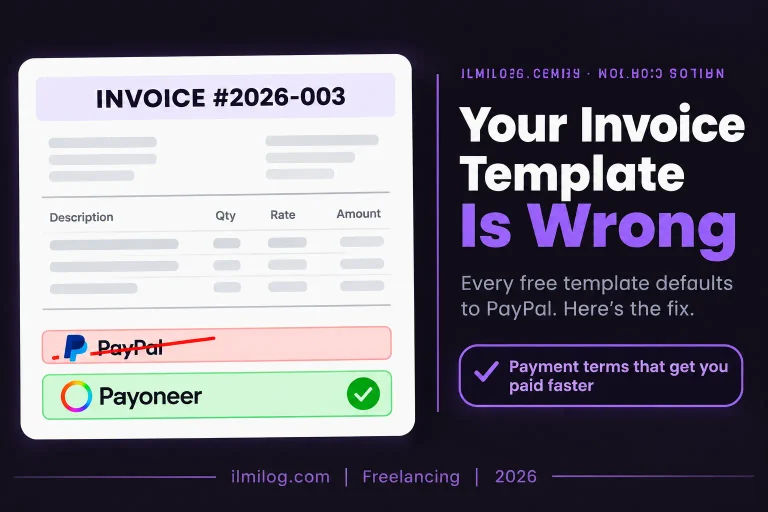
This is a detail most guides on this topic skip entirely. Payers cannot use PayPal to pay a Request a Payment invoice if the receiving Payoneer account is registered in a specific list of countries — and Pakistan is on that list. If you’re a Pakistan-based freelancer using this feature, it’s worth telling your client in advance that PayPal isn’t an option, so they’re not stuck trying a payment method that will fail before you’ve had a chance to explain the alternative.
If You Meant the Reverse Direction
If what brought you here is trying to move a Payoneer balance into JazzCash so you can spend or withdraw it locally, that’s a real, working feature — it’s just the opposite direction from what this search phrase describes. The mechanics, fees, and timing for that direction are covered in full in the guide linked near the top of this article.
Common Mistakes Around This Search
Assuming a JazzCash-to-Payoneer wallet transfer exists. As covered above, it doesn’t. Confusing this with the reverse direction is the single most common mistake tied to this exact search.
Using Request a Payment for a consumer rather than a business client. Payoneer’s own terms specify this feature is for business-to-business payments, not payments from individual consumers, and using it outside that scope can get a request declined.
Not warning a Pakistan-based client about the PayPal restriction. A client attempting to pay through PayPal when that option isn’t available leads to a confused, delayed payment that a one-line heads-up would have prevented.
Expecting a wire transfer to work through this feature. It doesn’t, and it gets automatically rejected with bank fees already deducted, which is an avoidable loss if you’d simply told your client to use a different method upfront.
Problem Diagnosis: Payment Request Not Going Through?
If a client’s payment attempt fails, first confirm which method they tried — a rejected PayPal attempt from a Pakistan-registered account, or a wire transfer, are both known, explainable causes rather than random errors. If a payment is sitting in review longer than expected, checking your Payoneer account’s activity menu for a status update is more useful than assuming something’s broken, since review timing varies by payment. If you were trying to move money the other direction — from Payoneer into JazzCash — and nothing here applies, double-check that you’re following the correct process for that direction instead, since it’s an entirely separate feature.
When This Feature Isn’t the Right Fit
Skip Request a Payment if: your client is an individual consumer rather than a business, since Payoneer’s own terms don’t support that use case here. Skip it too if you were hoping to move existing JazzCash wallet funds somewhere — this feature doesn’t do that, and no legitimate workaround exists for pulling money out of a JazzCash wallet into Payoneer directly.
This is worth using if: you’re invoicing a genuine business client internationally and want a straightforward, Payoneer-native way to request and track that payment without separate invoicing software.
Decision Checklist
- I understand there’s no direct JazzCash-to-Payoneer wallet transfer, and I’m not trying to build a process around one → prevents chasing a feature that doesn’t exist
- My client is a business, not an individual consumer → matches what Request a Payment supports
- I’ve told my client that PayPal isn’t available if my account is Pakistan-registered → avoids a failed payment attempt
- I’ve confirmed my client won’t try a wire transfer through this method → prevents an automatic rejection and lost bank fees
- If I meant the reverse direction, I know that’s a separate process → keeps me from troubleshooting the wrong feature
Honest Verdict
| What’s Real | What Isn’t |
| Payoneer’s Request a Payment feature, used directly from your Payoneer account | A JazzCash app feature that transfers wallet funds into Payoneer |
| Payoneer balance flowing into JazzCash, once linked | JazzCash wallet funds flowing into Payoneer |
| Standard Payoneer receiving fees applying per payment method | A special added fee just for using the request feature |
| A genuine PayPal restriction for Pakistan-registered accounts | PayPal working the same way for every country |
Best for: freelancers invoicing genuine business clients internationally who want a simple, Payoneer-native request tool.
Skip the search entirely if: you were trying to withdraw Payoneer funds into JazzCash — that’s a different, real feature covered in a separate guide, not this one.
FAQ
Q: Can I really transfer money from my JazzCash wallet into Payoneer?
No, that specific transfer direction doesn’t exist as a supported feature between the two platforms.
Q: What is Request a Payment connected to, then?
Payoneer itself, not JazzCash. It’s a tool inside your Payoneer account for invoicing business clients directly.
Q: What’s the minimum amount for a payment request?
Payoneer states this typically ranges between $20 and $50, depending on the currency involved.
Q: Why did my client’s PayPal payment fail?
If your Payoneer account is registered in Pakistan, PayPal isn’t an available payment method for Request a Payment invoices — this is a real platform restriction, not a technical error.
Q: I wanted to move Payoneer funds into JazzCash — where do I find that?
That’s the reverse direction from what this article covers, and it’s a real, working feature explained in full in a separate guide on receiving international payments through JazzCash.
Final Recommendation
If you’re here to invoice a business client, Payoneer’s Request a Payment feature does exactly that, with no JazzCash involvement required at any point. If you were trying to move a Payoneer balance into JazzCash to spend or withdraw locally, that’s the reverse process covered in our other guide. And if fees on the Payoneer side are what you’re really trying to plan around before you request or withdraw anything, our guide to Payoneer withdrawal minimums and fees covers that in detail.
Researched and written by the ilmilog.com editorial team. Request a Payment details, fees, and restrictions confirmed directly against Payoneer’s official documentation as of July 2026. This article is general information, not financial advice, and Payoneer’s specific terms and restrictions can change — always confirm current details directly on Payonee