Payoneer Card in Pakistan: The $100 Rule Nobody Mentions
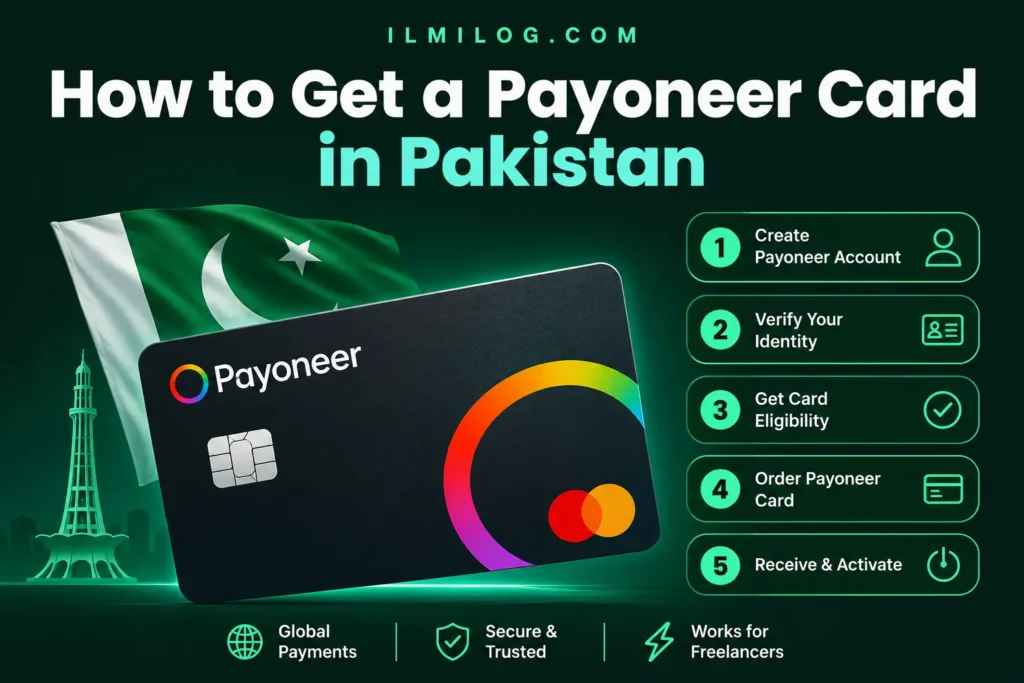
Quick Answer: Yes, both virtual and physical Payoneer cards are available to Pakistan-based account holders, but you can’t apply for one the moment you sign up. Payoneer requires you to have received at least $100 in payments to your account within the last six months before the card option even appears. Virtual cards activate almost immediately once ordered. Physical cards get shipped to your address and typically take one to a few weeks to arrive, depending on where in Pakistan you are. If you’re wondering how to get a Payoneer card at all, the honest starting point is making sure your account already qualifies before you go looking for the order button.
If you haven’t set up and verified your Payoneer account yet, none of this applies until that’s done — our guide to creating a Payoneer account in Pakistan covers that entire process from registration through identity verification.
What you’ll learn: → The specific earning threshold Payoneer requires before a card becomes available at all → The real difference between ordering a virtual card and a physical one → What actually happens during the order, approval, and delivery process → The annual fee structure and what triggers it → A scam warning worth knowing about before you search for shortcuts
Why the Card Option Might Not Appear Yet
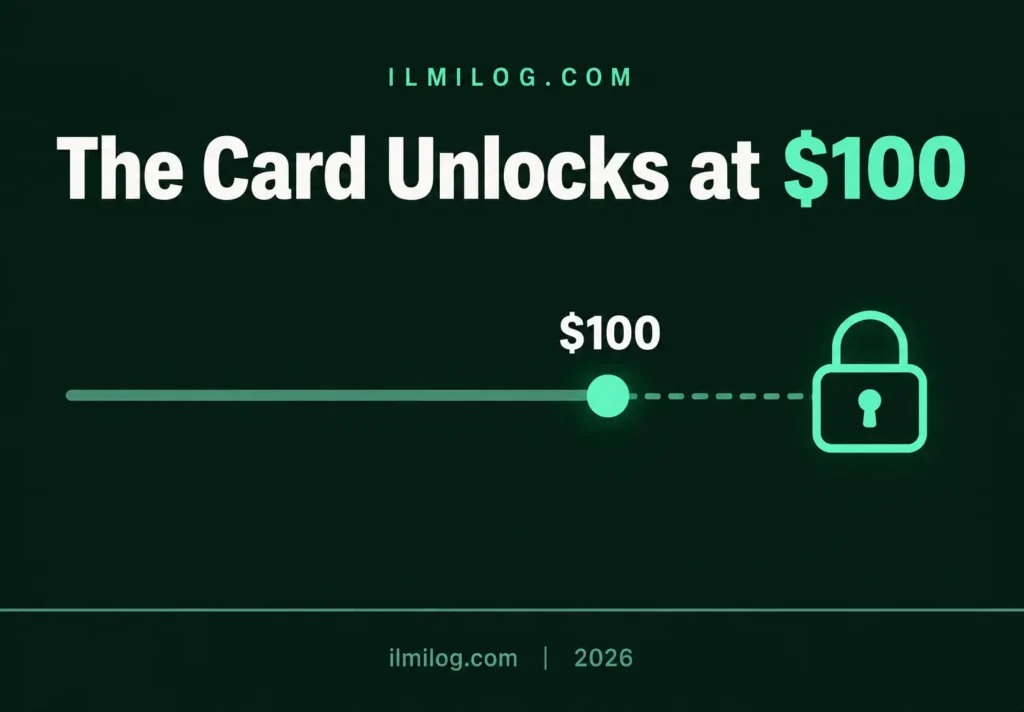
This is the detail almost every guide on this topic skips entirely. Payoneer’s own eligibility rules state that ordering a card requires a minimum of $100 in payments received to your account within the past six months, and that threshold can vary depending on your country. If you’re brand new to Payoneer with no payment history yet, this is exactly why the card option isn’t showing up when you go looking for it — it isn’t a bug or a regional restriction, it’s a deliberate eligibility gate tied to actual account activity.
You can check where you stand by signing in and selecting Payoneer Cards from the menu. If you’re eligible, you’ll see an option to order one. If you’re not yet, Payoneer displays a message explaining exactly what’s missing, which is worth reading carefully rather than assuming it’s a permanent block.
Virtual Card vs. Physical Card
Both card types are Mastercard-branded and tied to a specific currency balance in your account — USD, EUR, GBP, or CAD — and you can hold one card per currency rather than a single multi-currency card.
The virtual card activates almost immediately after you order it and is meant for online use: paying for hosting, software subscriptions, advertising accounts, or anything that accepts Mastercard online. It doesn’t work for ATM withdrawals or in-person purchases, since there’s no physical card to present.
The physical card does everything the virtual one does, plus ATM withdrawals and in-store purchases anywhere Mastercard is accepted. The trade-off is that it has to be shipped to your address, which means real waiting time before you can actually use it, unlike the virtual card’s near-instant availability. If cash access is what you’re really after and you’d rather skip the shipping wait entirely, our guide to linking a bank account to Payoneer covers a withdrawal method that doesn’t involve a physical card at all.
Payoneer’s own walkthrough of the virtual card covers the activation and usage details in more depth if you’re leaning toward that option specifically.
Ordering the Card, Step by Step
Sign in to your Payoneer account and select Payoneer Cards from the sidebar menu. Choose Order a Card, then select whether you want a physical or virtual card. Pick the currency you want the card tied to — USD is the most common choice for Pakistan-based freelancers receiving payments from international clients and platforms. If you’re ordering a physical card, you’ll be asked to confirm or enter your shipping address, so it’s worth double-checking this matches where you can reliably receive mail. Submit the order, and Payoneer moves it into review.
What Happens After You Order
Once submitted, Payoneer reviews the order against your account status and existing verification documents — this is generally quick if your account is already fully verified, since the identity and address checks were already completed when your account was approved. A virtual card typically becomes usable within your dashboard shortly after approval, with the card number, expiry date, and CVV available to view and use immediately for online payments.
A physical card gets printed and shipped from Payoneer’s issuing facilities, and realistic delivery windows to Pakistan run anywhere from about one to several weeks, depending on regional mail handling and customs processing — there isn’t one fixed number that applies everywhere, so tracking the order status inside your account is more reliable than assuming a specific delivery date. Once it physically arrives, activation happens the same way regardless of how long shipping took: sign in, go to Payoneer Cards, locate the card, and select Activate, then follow the on-screen steps.
The Annual Fee, and What It Actually Covers
There’s an annual fee tied to holding a Payoneer card, and it applies to your first card specifically. If you later add cards for other currencies, those additional linked cards generally don’t carry the same recurring fee on top of the first. Payoneer’s official pricing page shows the current fee structure along with card-related transaction costs like ATM withdrawals and currency conversion, and it’s worth checking directly since these figures are reviewed and adjusted periodically rather than staying fixed indefinitely.
Beyond the annual fee, the costs that catch people off guard most are usage-based rather than upfront. Withdrawing cash from an ATM typically carries a per-transaction fee on top of whatever your specific bank’s own ATM charges. Spending in a currency different from your card’s balance triggers a conversion fee as well. Neither of these is unusual for an international prepaid card, but budgeting for them ahead of time — especially if you’re planning to rely on ATM withdrawals as your main way of accessing funds — avoids an unpleasant surprise the first time you check your balance after a few withdrawals.
A Scam Worth Knowing About
Worth flagging separately: you’ll come across marketplace listings offering “pre-verified Payoneer accounts and cards,” ready to use, no verification required. These are against Payoneer’s own terms, which allow only one account per person tied to your real identity, and buying access to someone else’s account or a fraudulently created one puts your funds and personal information at real risk. There’s no legitimate shortcut around the verification and eligibility process described here, and anything claiming to offer one should be treated as a red flag, not a convenience.
Common Mistakes That Delay a Card Order
Assuming the card is available immediately after account approval. The $100 payment threshold catches a lot of brand-new users off guard, since it’s separate from basic account verification.
Ordering a physical card without double-checking the shipping address. An outdated or incorrect address is one of the more preventable reasons a card doesn’t arrive when expected.
Expecting a virtual card to work for ATM withdrawals. It’s built specifically for online use; a physical card is the only option if cash access is what you actually need.
Searching for a “verified account and card” shortcut online. As covered above, this is a real scam pattern, not a legitimate way to skip the process.
Problem Diagnosis: Card Not Showing Up as an Option?
If Payoneer Cards don’t show an order option when you check, first confirm you’ve actually crossed the $100 payment threshold within the past six months — this is the most common reason, especially for newer accounts. If you’re past that threshold and still don’t see the option, check whether your account verification is fully complete, since a card order won’t proceed on an account still missing identity or address documents. If a physical card was ordered and hasn’t arrived past a reasonable window, check the order status inside your account before assuming it’s lost, since tracking details are often available there directly.
When This Isn’t Worth Pursuing Yet
Skip ordering a card right now if: your account hasn’t received $100 in payments yet — trying to order before hitting that threshold just results in the option not appearing, not an application you can submit and wait on. Skip a physical card specifically if you only need to pay for online subscriptions or services; the virtual card gets you that functionality without the shipping wait or the address-accuracy risk.
This is worth doing now if: you’ve been receiving payments for a while, have crossed the eligibility threshold, and want either ATM access to your funds or a way to pay for online services directly from your Payoneer balance.
Decision Checklist
- I’ve received at least $100 in Payoneer payments within the last six months → the actual gate before a card becomes available
- I know whether I need ATM access (physical) or just online payments (virtual) → determines which card type actually fits
- My shipping address is current and accurate, if ordering a physical card → prevents the most common delivery issue
- My account’s identity and address verification is already fully complete → speeds up order approval significantly
- I haven’t been tempted by any “pre-verified account” listings online → these are scams, not shortcuts
Honest Verdict
| What Works | What Doesn’t |
| Checking your $100 payment threshold before expecting the card option | Assuming the card is available immediately after signup |
| Ordering a virtual card for online-only needs | Waiting on a physical card you don’t actually need |
| Double-checking your shipping address before submitting | Assuming an old or default address will still work |
| Tracking a physical card’s status inside your account | Assuming a missing card means it’s permanently lost |
Best for: verified Payoneer account holders in Pakistan who’ve already crossed the payment threshold and want either ATM access or an easy way to pay for online services.
Skip it for now if: you’re newly verified and haven’t received meaningful payments yet — the option simply isn’t available until you do.
FAQ
Q: How much do I need to earn before I can order a Payoneer card?
Payoneer’s stated minimum is $100 in payments received to your account within the last six months, though this threshold can vary by country.
Q: How long does a physical Payoneer card take to arrive in Pakistan?
Realistically anywhere from about one to several weeks, depending on regional mail handling. Checking your order status inside your account is more reliable than assuming a fixed delivery date.
Q: Is the virtual card free?
An annual fee applies to your first card regardless of type, though additional cards for other currencies generally don’t carry a separate recurring fee on top of that.
Q: Can I use a virtual card to withdraw cash?
No. Virtual cards are built for online payments only; a physical card is required for ATM withdrawals.
Q: Is it safe to buy a “pre-verified” Payoneer account and card online?
No. This violates Payoneer’s terms, which allow only one account per real identity, and it puts your money and personal information at genuine risk. There’s no legitimate way to skip the verification process.
Final Recommendation
Check your Payoneer Cards menu to see whether you’re already eligible before assuming you need to do anything else — if you’ve crossed the $100 threshold and your account is fully verified, ordering takes a few minutes regardless of which card type you choose. If Payoneer isn’t covering every payment scenario you’re dealing with, our guide to getting paid without PayPal in Pakistan covers the wider landscape of options available.
Researched and written by the ilmilog.com editorial team. Eligibility rules, ordering steps, and fee structure confirmed directly against Payoneer’s official documentation as of July 2026. This article is general information, not financial advice, and Payoneer’s specific thresholds and fees can change — always confirm current details directly on Payoneer’s official site.