How to Use AI to Create Notion Templates That Sell (Complete Guide)
Quick Answer: Yes, and it works differently than most people assume — the AI part speeds up building the database logic and page structure, not the selling part. A Notion template earns money the same way any digital product does: a specific problem solved cleanly, priced like a system rather than a single page, and listed somewhere buyers are already looking. Notion’s own official marketplace, Gumroad, and Etsy all currently allow this product type, unlike prompt packs, which makes the platform decision far less restrictive here than in some other digital product categories.
What you’ll learn: → Which platforms let you sell Notion templates, and the real fee each one takes → The exact permission settings that protect your template from being copied and resold → A realistic step-by-step build process using AI for the parts it’s genuinely good at → What separates a $15 template that sells steadily from one that sits with zero sales → A straight answer on when this product type isn’t worth building
What Makes a Notion Template Worth Paying For
A Notion template that sells isn’t a personal setup someone decided to publish. It’s built from the start to be understood by a stranger with zero context — clear labels, an intuitive structure, and enough guidance that a buyer doesn’t need to message you to figure out how to use it. Most templates that fail to sell weren’t built for a stranger at all; they were someone’s personal system, lightly cleaned up and listed, and it shows the moment a buyer opens it.
The templates that consistently sell solve one specific, recognizable problem — a freelancer’s invoice and client tracker, a content creator’s publishing calendar, a small business’s inventory and order log — rather than trying to be an all-purpose life operating system. A buyer searching for a solution to their specific problem converts far more reliably than a buyer browsing a general productivity category.
Notion templates are one of several ways to turn everyday AI tools into a real product — if you’re weighing this against other formats, our complete guide to creating and selling digital products with AI covers the full landscape and where templates fit into it.
Where You Can Actually Sell This
This is worth settling early, because the platform landscape here is genuinely more open than it is for some other AI-made digital products.
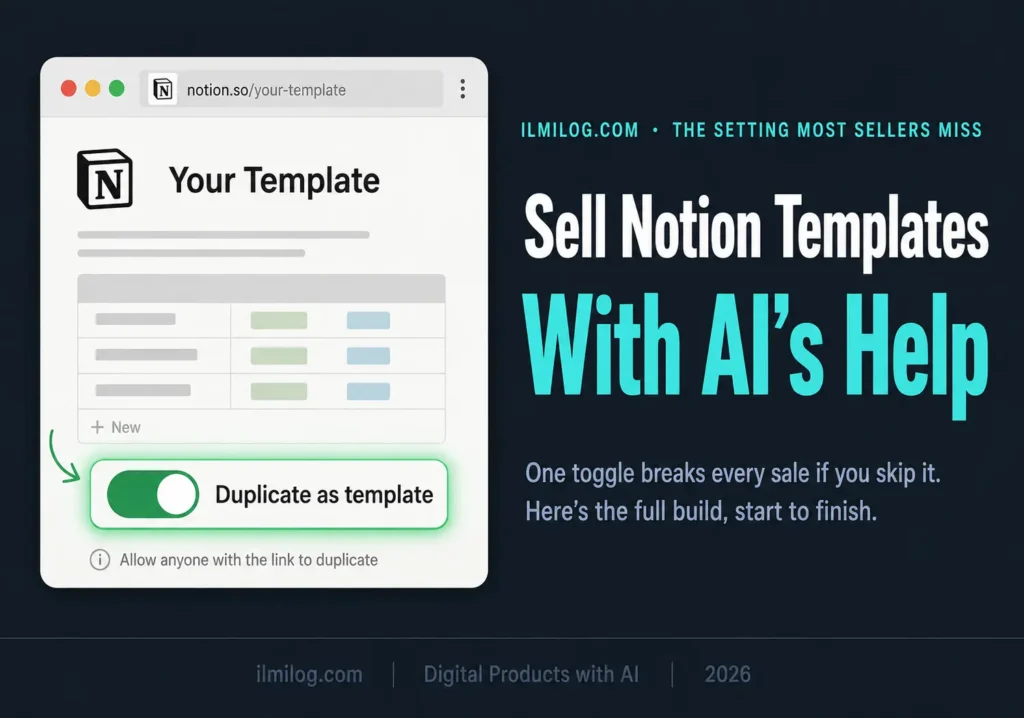
Notion’s own official marketplace lets creators submit and sell paid templates directly, with a straightforward process: publish your page as a Notion Site, toggle on “Duplicate as template” in the publish settings, then submit it through your creator dashboard for approval. This is the single most important setting in the entire process — without it turned on, a buyer who purchases your template can’t get their own working copy of it.
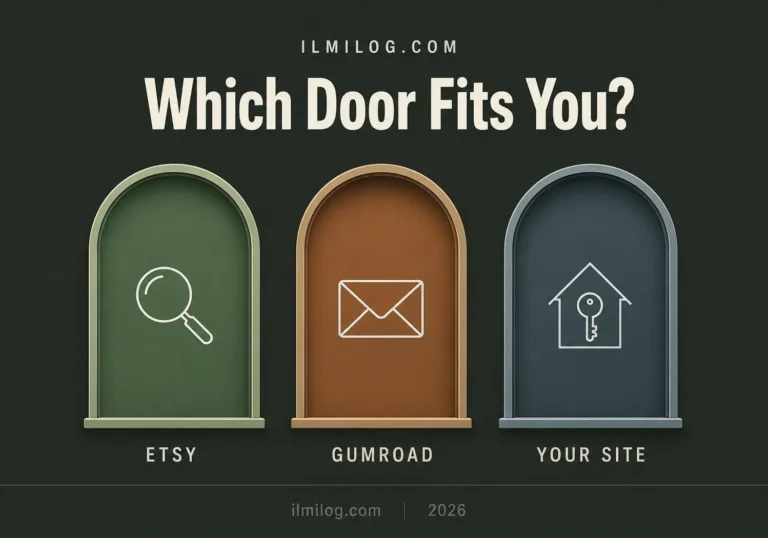
Beyond Notion’s own marketplace, Gumroad and Etsy both allow Notion template sales without the restrictions that apply to some other digital product types. Each platform reaches a different kind of buyer: Notion’s marketplace reaches people already inside the Notion ecosystem actively looking for templates, while Etsy reaches a broader search audience that may not have thought to look inside Notion’s own gallery at all.
How I Tested This — One Real Template, Start to Finish
For this guide, I built one real Notion template — a specific tracker aimed at a defined use case — from a blank page through to a submitted, purchasable listing, tracking each decision along the way rather than just the finished result.
What I tracked:
- How much AI-assisted structuring sped up the database and property setup versus building it manually
- Which permission settings mattered most when a test buyer tried to duplicate the template
- How discovery differed between Notion’s own marketplace and a direct link shared elsewhere
- What documentation buyers needed before they stopped asking setup questions
Where I got it wrong at first: I initially built the template exactly the way I’d use it personally, then tried to “sell” that as-is. A test user got confused within the first two minutes because labels and structure that made sense to me, as the person who built it, meant nothing to someone seeing it cold. Rebuilding it with a stranger’s first impression in mind — clearer section labels, an included instructions page, default example entries instead of a blank template — fixed that completely.
Building the Template Step by Step
Step 1: Pick a Problem, Not a Category
“Productivity template” is too broad to build well or market clearly. “Weekly content calendar for a solo Instagram and TikTok creator” is specific enough that someone searching for exactly that feels like it was built for them. The narrower the starting problem, the easier every later step becomes — the structure, the marketing copy, and the pricing all follow naturally from a clear problem statement.
Step 2: Use AI for the Structure, Not the Taste
This is where AI genuinely earns its place in the process. Feeding a clear description of your use case into an AI tool speeds up drafting the database properties, view types, and formula logic significantly faster than building it property by property from scratch. If you haven’t compared which AI tools handle this kind of structured, logic-heavy work best, our tested roundup of the best AI tools for digital products breaks down which ones are worth using for database and template structuring specifically.
What AI doesn’t replace is design taste — spacing, color use, and whether the layout feels intuitive to someone seeing it for the first time. Every AI-drafted structure needs a manual pass focused entirely on “would a stranger understand this in the first thirty seconds.”
Step 3: Set Permissions Before You Do Anything Else
Before sharing your template anywhere, publish the page as a Notion Site, then toggle on “Duplicate as template” in the publish settings — this is the specific setting that lets a buyer get their own independent copy rather than accidentally editing your original. Turn off editing and commenting access on the published page itself. Skipping this step is the single most common technical mistake that turns a sale into a support headache.
Step 4: Document It Like the Buyer Has Never Used Notion Before
A short included guide — what each section does, how to customize it, and one or two example entries already filled in — cuts support questions dramatically and reads as a more finished, professional product. Templates without any documentation get more refund requests and more pre-purchase questions, both of which quietly eat into the time a template is supposed to save you.
Step 5: Price It as a System
Simple single-page templates reasonably sit in the $9 to $19 range. More complete systems with multiple connected databases and views land in the $19 to $49 range, and comprehensive business or life operating systems can reasonably reach $49 to $99. Pricing too low doesn’t just cap your income — it signals lower quality to a buyer who’s comparing several similar-looking listings.
Platform Fees Compared
| Platform | Typical Fee | Built-In Discovery | Best For |
| Notion’s official marketplace | ~10% per sale, plus payment processing | Strong — reaches active Notion users directly | Getting discovered by people already inside Notion |
| Gumroad | ~10% + processing fees | Moderate, stronger with an existing audience | Creators who already have some following |
| Etsy | $0.20 listing fee + 6.5% transaction fee + payment processing | Strong organic search traffic | Reaching buyers who aren’t already Notion users |
| Your own store | Payment processing only | None — fully self-driven | Established creators past the validation stage |
Gumroad’s published fee structure and Etsy’s fee policy are both worth checking directly before you commit to one platform, since the effective take-home difference between roughly 10% and roughly 15% adds up quickly once you’re selling in volume.
Mistakes That Keep Templates From Selling
Listing a personal setup without adapting it for a stranger. Covered above, but worth repeating: what makes sense to you as the builder rarely makes sense to a buyer on first open.
Forgetting to enable “Duplicate as template.” This turns a purchase into a broken experience and generates refund requests fast — check this setting before your first sale, not after your first complaint.
No included instructions. A template with zero documentation asks buyers to reverse-engineer your logic, which most won’t bother doing before requesting a refund instead.
Pricing is too low to seem competitive. A $5 template next to $29 templates in the same category reads as lower quality, not as a better deal, and it caps your income regardless of how good the structure is.
Building for a broad category instead of a specific buyer. A general “life organization” template competes against thousands of similar listings. A template built for one specific job or situation competes against almost none.
When This Is Not the Right Product for You
Skip this if: you’re not comfortable with Notion’s own interface at more than a basic level — building something clean enough for a stranger to use requires real fluency with databases, views, and formulas, not just casual familiarity. Skip it too if you’re only willing to build one template and stop; like most digital product categories, income here scales with catalog size far more than with any single template’s polish.
This is a good fit if: you already use Notion regularly for your own systems and have a specific process you understand well enough to rebuild for someone else, you’re willing to test your template on a real stranger before listing it, and you’re prepared to document it properly rather than assuming the structure speaks for itself.
Decision Checklist
- I have a specific problem in mind, not a broad “productivity” category → this is the actual foundation of a sellable template
- I’ve enabled “Duplicate as template” before sharing it anywhere → prevents the most common technical failure
- I’ve tested the template on someone who didn’t build it → catches confusing structure before a paying buyer does
- I’ve included a short instructions page → reduces refund requests and support questions significantly
- I’ve priced it as a system, not a single page → reflects the actual value, not just the file size
Honest Verdict
| What Works | What Doesn’t |
| A specific, recognizable problem solved cleanly | A personal setup lightly cleaned up and listed as-is |
| AI-assisted structuring followed by a manual usability pass | Publishing raw AI-generated structure unedited |
| Testing on a real stranger before listing | Assuming your own familiarity means it’s intuitive |
| Pricing as a complete system | Underpricing to seem more competitive |
Best for: creators who already use Notion fluently and have a specific, well-understood process worth turning into a product.
Skip it if: you’re only casually familiar with Notion or only willing to build one template — this category rewards both genuine fluency and catalog-building over time.
FAQ
Q: Do I need Notion AI specifically, or can I use ChatGPT or Claude to build the structure?
Either works. Notion AI has the advantage of working directly inside the page you’re building, while external tools like ChatGPT or Claude can be useful for drafting the overall structure and formula logic before you build it out manually.
Q: What’s the single most common technical mistake?
Forgetting to enable “Duplicate as template” before sharing the page. Without it, buyers can’t get an independent working copy, which turns a sale into a support problem almost immediately.
Q: Can I sell the same template on multiple platforms at once?
Yes, and most established creators do exactly this — Notion’s marketplace and Gumroad or Etsy for broader search discovery, often pointing traffic toward a direct store once there’s an existing audience.
Q: How much can a Notion template business realistically earn?
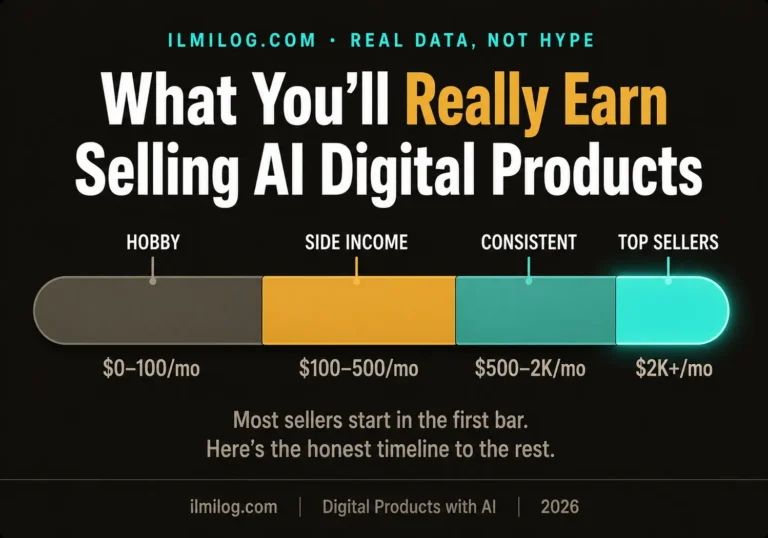
Beginners with a handful of listings typically see modest monthly income in the low hundreds. Creators with a real catalog and some existing audience can reach considerably more over time, though the highest publicly documented earners built that income over years, not weeks.
Q: Do I need design skills to make a template look professional?
Basic visual sense helps, but Notion’s built-in formatting options cover most of what’s needed. Clean spacing, consistent labeling, and a logical structure matter more than advanced design skills.
Final Recommendation
Start with one specific problem you already understand well from your own Notion use, build the structure with AI’s help, then test it on someone who’s never seen it before you list it anywhere. If you’re still deciding whether Notion templates are the right digital product for your specific skills and time, versus an ebook, printable, or something else, the Digital Life Blueprint Generator walks through a short set of questions and points you toward the format most likely to fit before you spend a week building the wrong one.
Researched and written by the ilmilog.com editorial team. Process tested by building and submitting one real Notion template through the full permission, documentation, and listing process, through July 2026. Platform fees and submission requirements confirmed against official sources as of July 2026. Editorial policy: we test the processes we recommend before publishing.